
Contacts and Companies
Vincent Depassier · September 24, 2026
The Inbox has no address book of its own. Its contacts are rows in a table of your workspace — the one you already use for customers — and its companies are rows in another. You choose both in Settings, and from then on every conversation is tied to a real record you can use in tables, dashboards and automations.
The trap: every new address creates a contact row. When a message comes from an address that matches no contact, the Inbox adds a row to your Contacts table for it. That includes spam senders, newsletters, and on WhatsApp the id of a group chat. Expect rows you did not create, and clean the table from time to time.
Setting up the Contacts table
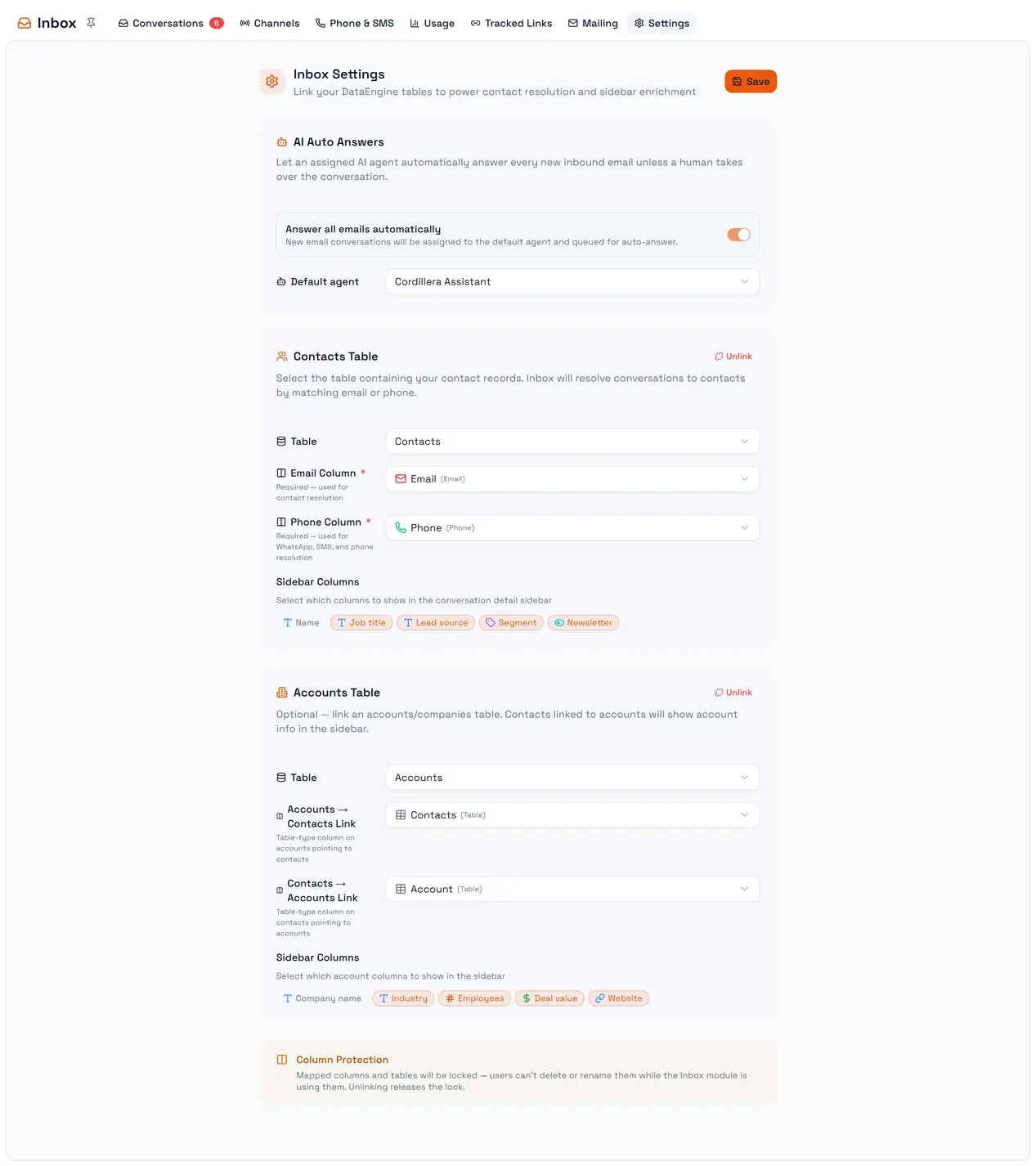
Settings → Contacts Table:
Setting | Column type it needs |
Table | Any table of the workspace |
Email Column (required) | |
Phone Column (required) | Phone number |
Sidebar columns | Extra columns to show in the details pane |
The table and those columns are locked while the Inbox uses them, so nobody deletes a column the Inbox depends on. Unlink releases them.
How a contact is found
When a message arrives, the Inbox looks for its contact in this order:
An address it has already linked to a contact.
The Email Column, for an email address.
The Phone Column, for anything that looks like a phone number.
Nothing found: a new row is created, with the address in the email or phone column and a name taken from the address.
Matching ignores upper and lower case.
Names
The contact's name comes from the table's main column. A name you type yourself — in the details pane or in the table — is never replaced by a name that arrives later with a message. A name from the table replaces the one in the message only when it adds information.
Editing the name in the details pane writes it to the contact row and renames the conversation.
Companies
Settings → Accounts Table chooses the table of companies and the two link columns between it and the contacts: Accounts → Contacts Link and Contacts → Accounts Link. With that set, the details pane can link a contact to a company, create a company, or Unlink company.
Unlinking is temporary
Unlinking a contact from a conversation does not stop the Inbox from knowing that address. The next message from it links the same contact again.