
Build, automate and run your business on Praxsuite.
Practical courses to build your systems, automate your operations and put AI agents to work. Learn it, apply it, get certified.
COURSES
Courses you can apply in your business this week
From your first table to AI agents that work for you. Every course is hands-on, in your own workspace, with real cases. Praxsuite 101 is open to everyone.
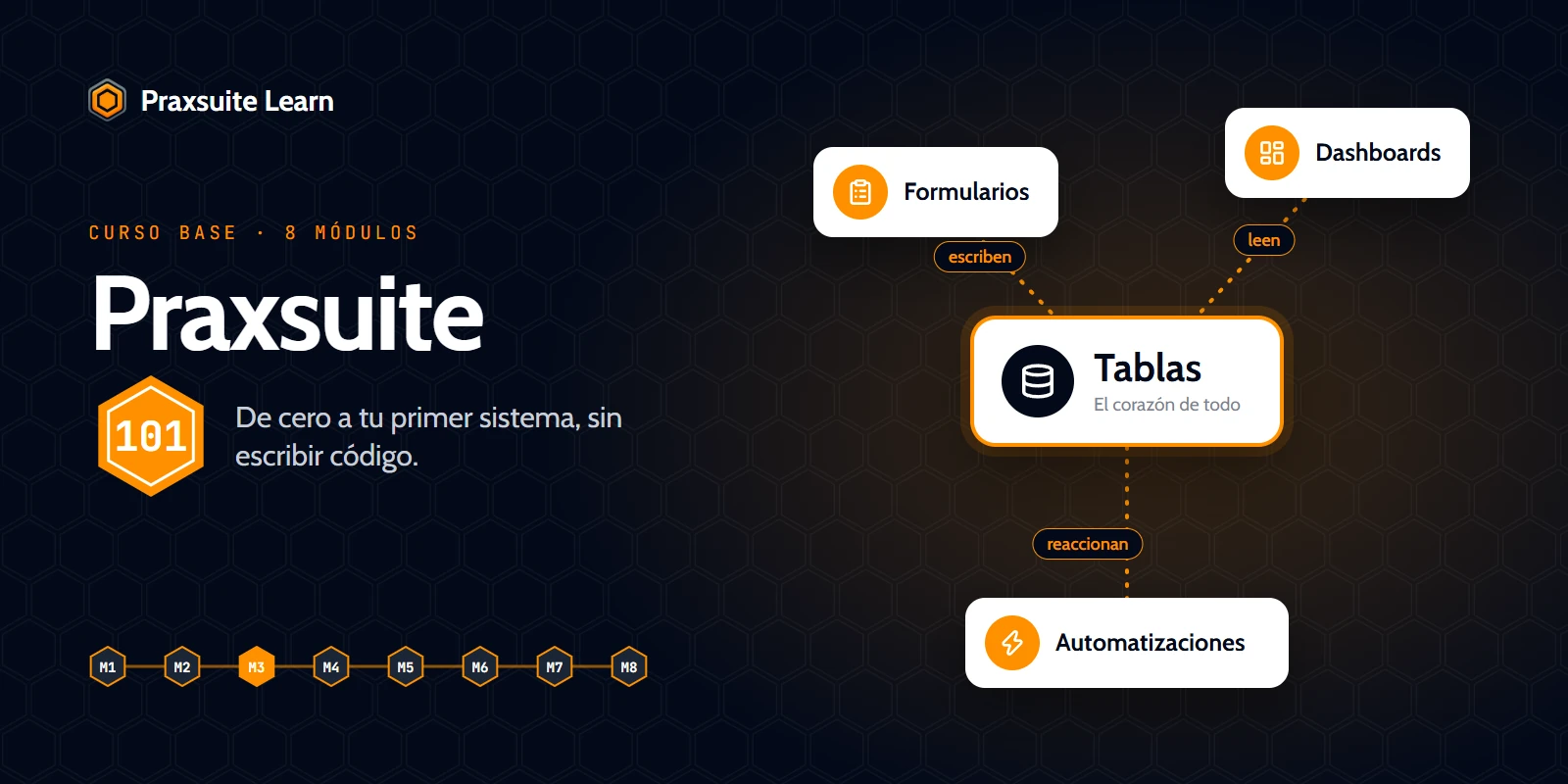
Praxsuite 101
Your first full tour of Praxsuite: tables, forms, dashboards and automations.
Certificate
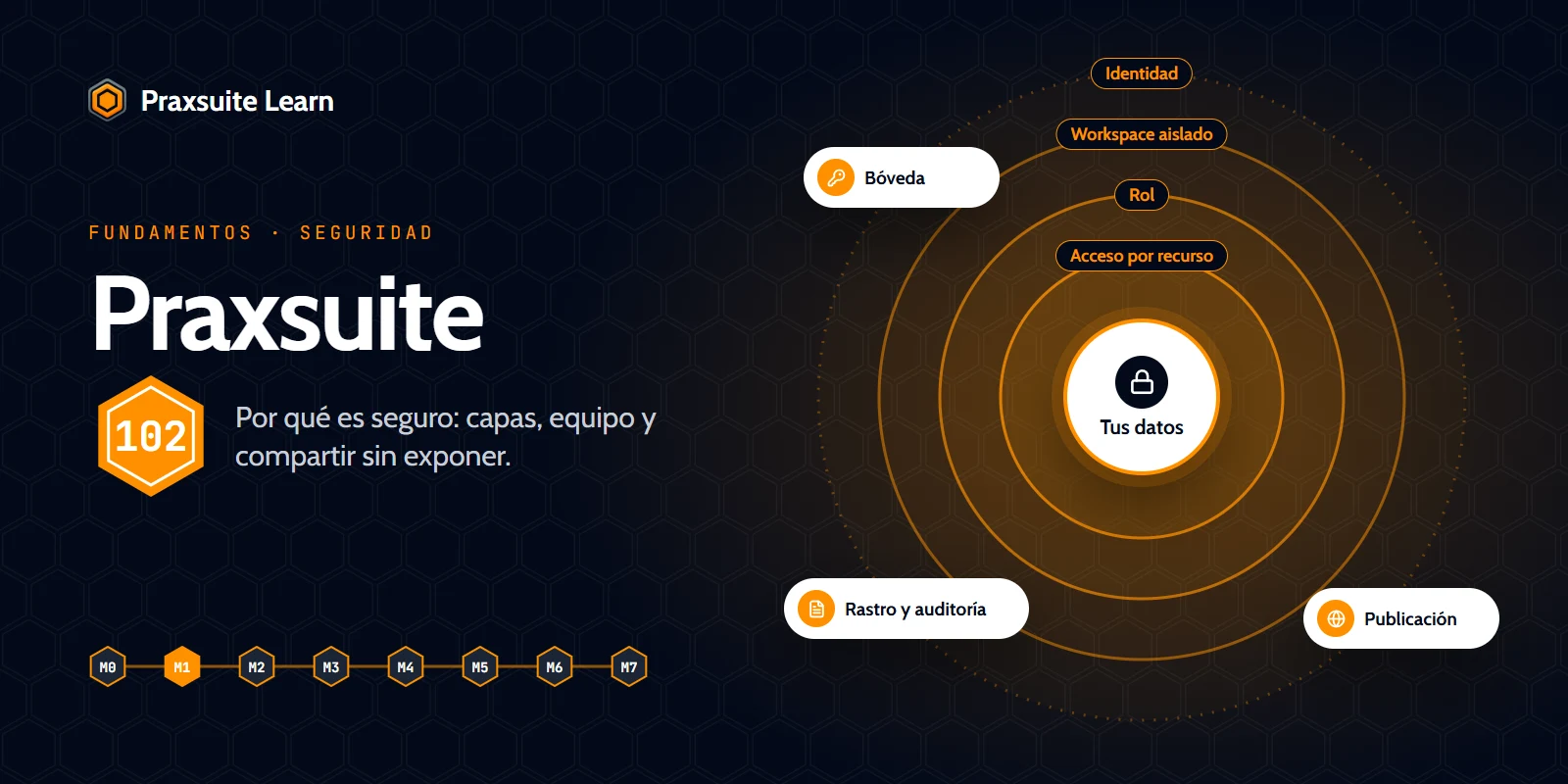
Praxsuite 102 — Security and teamwork
Why Praxsuite is secure: layers, team, per-resource access and sharing without exposing.
Certificate
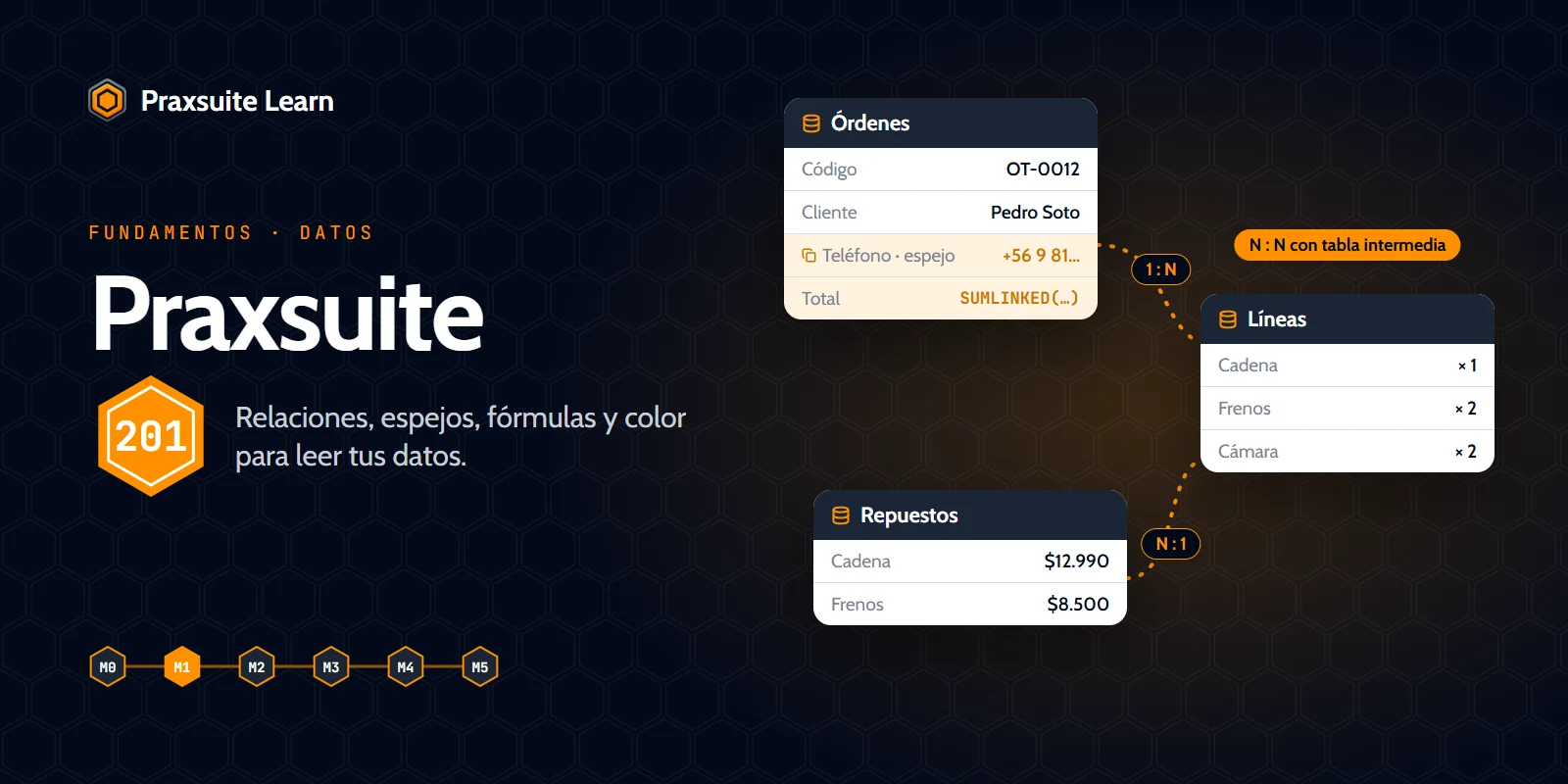
Praxsuite 201 — Data
All about tables: modeling a business, all 38 data types, relationships, mirrors, complex formulas and data quality.
Certificate
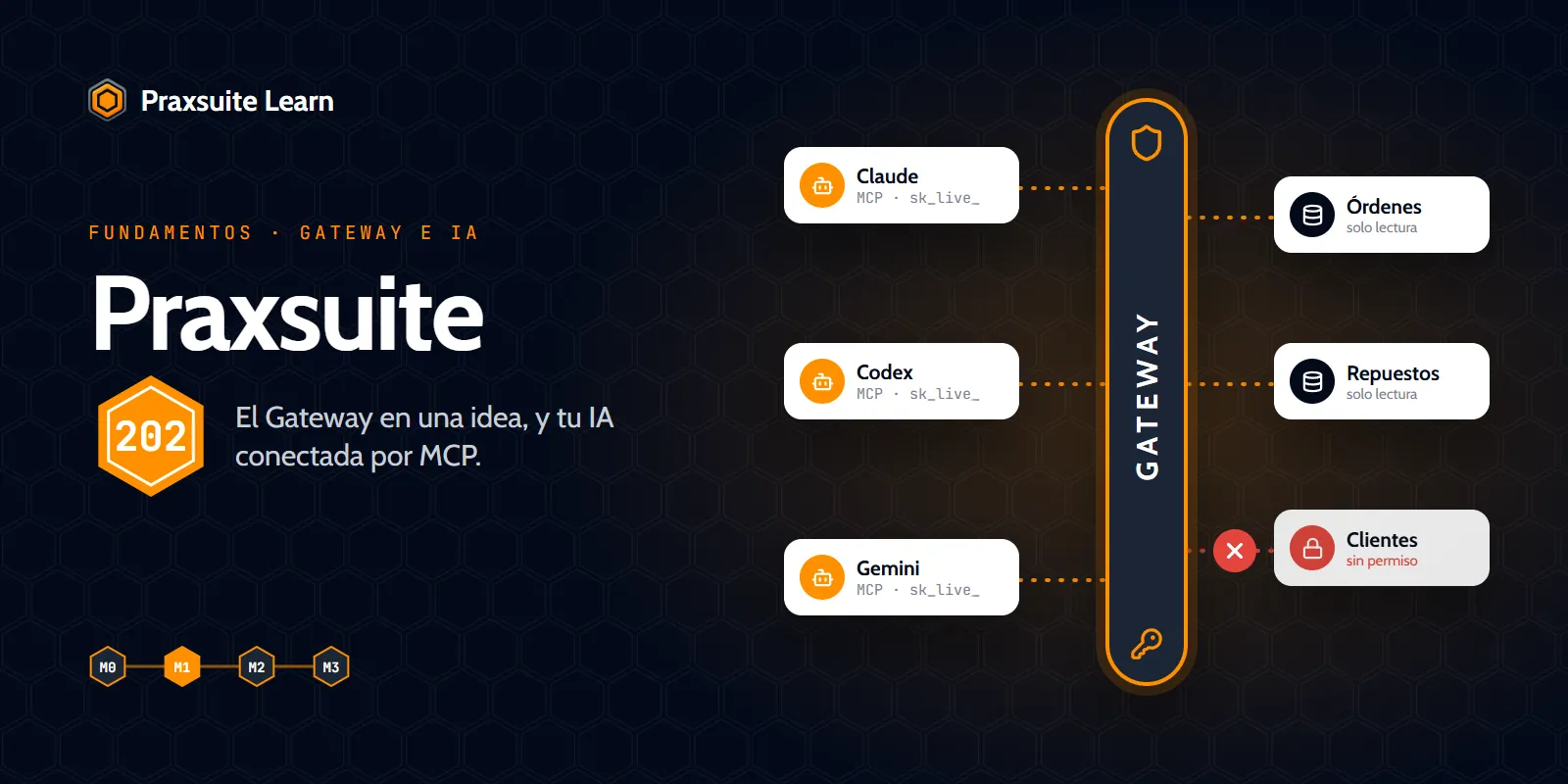
Praxsuite 202 — The Gateway and your AI
What the Gateway is, credentials and endpoints as ideas, and connecting Claude, Codex or Gemini to your workspace over MCP.
Certificate
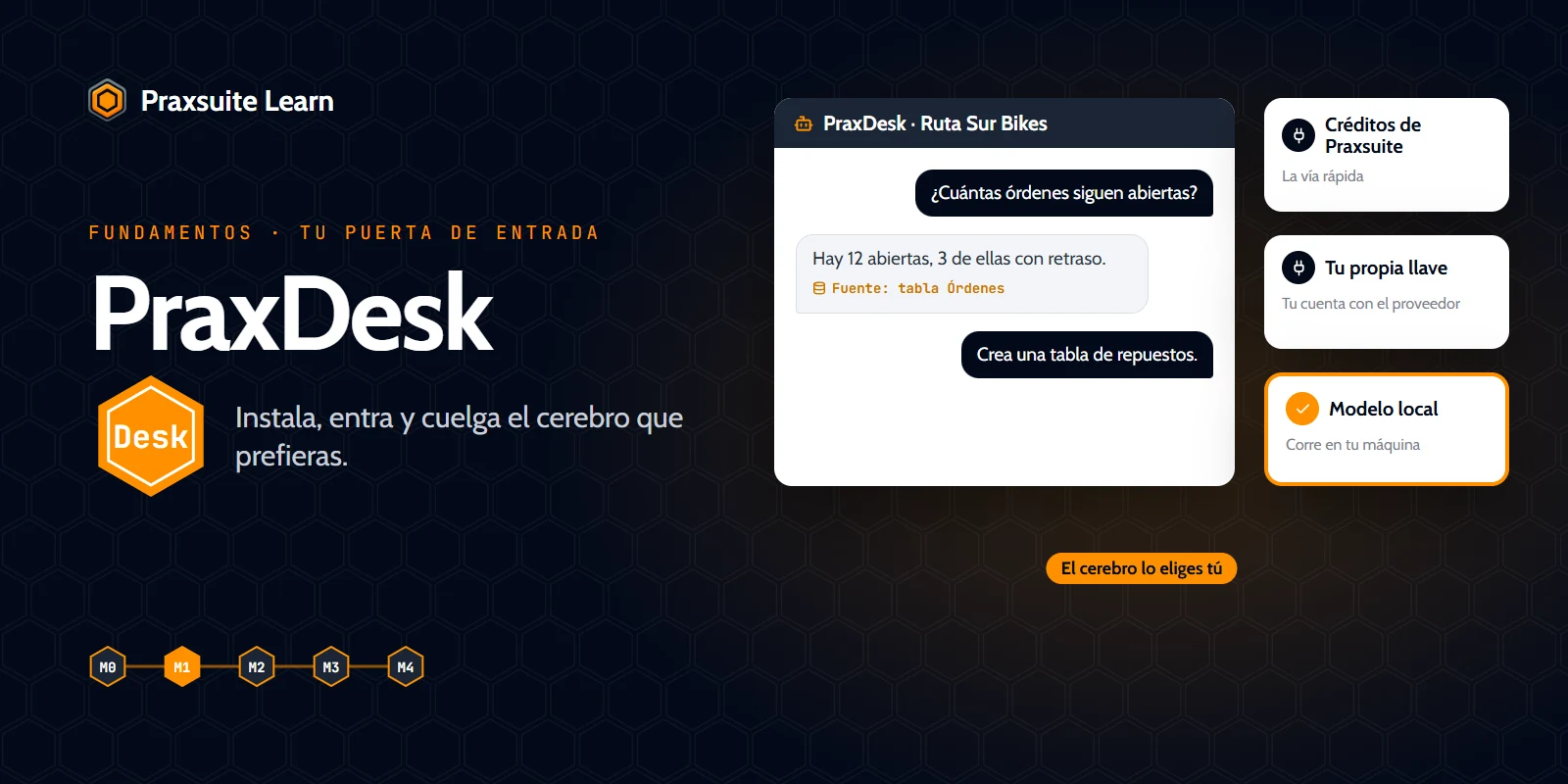
PraxDesk: your way into the workspace
Install PraxDesk, sign in to your workspace, plug in the AI model you prefer and work with your data without pasting credentials.
Certificate
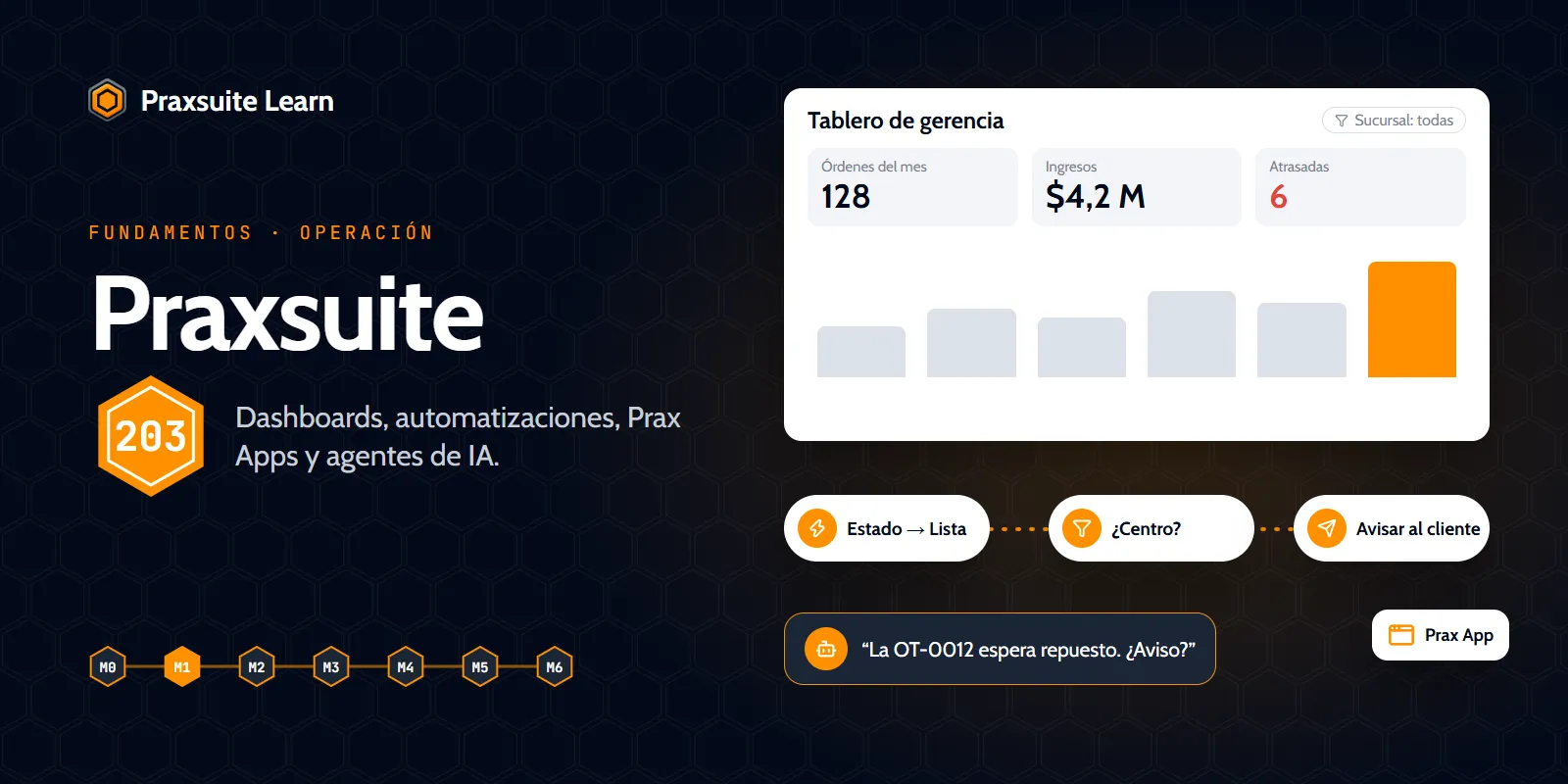
Praxsuite 203 — Your AI at work and Prax Apps
What your AI can build in your workspace, how to review it, and how to create, edit and publish a Prax App connected to your tables.
Certificate
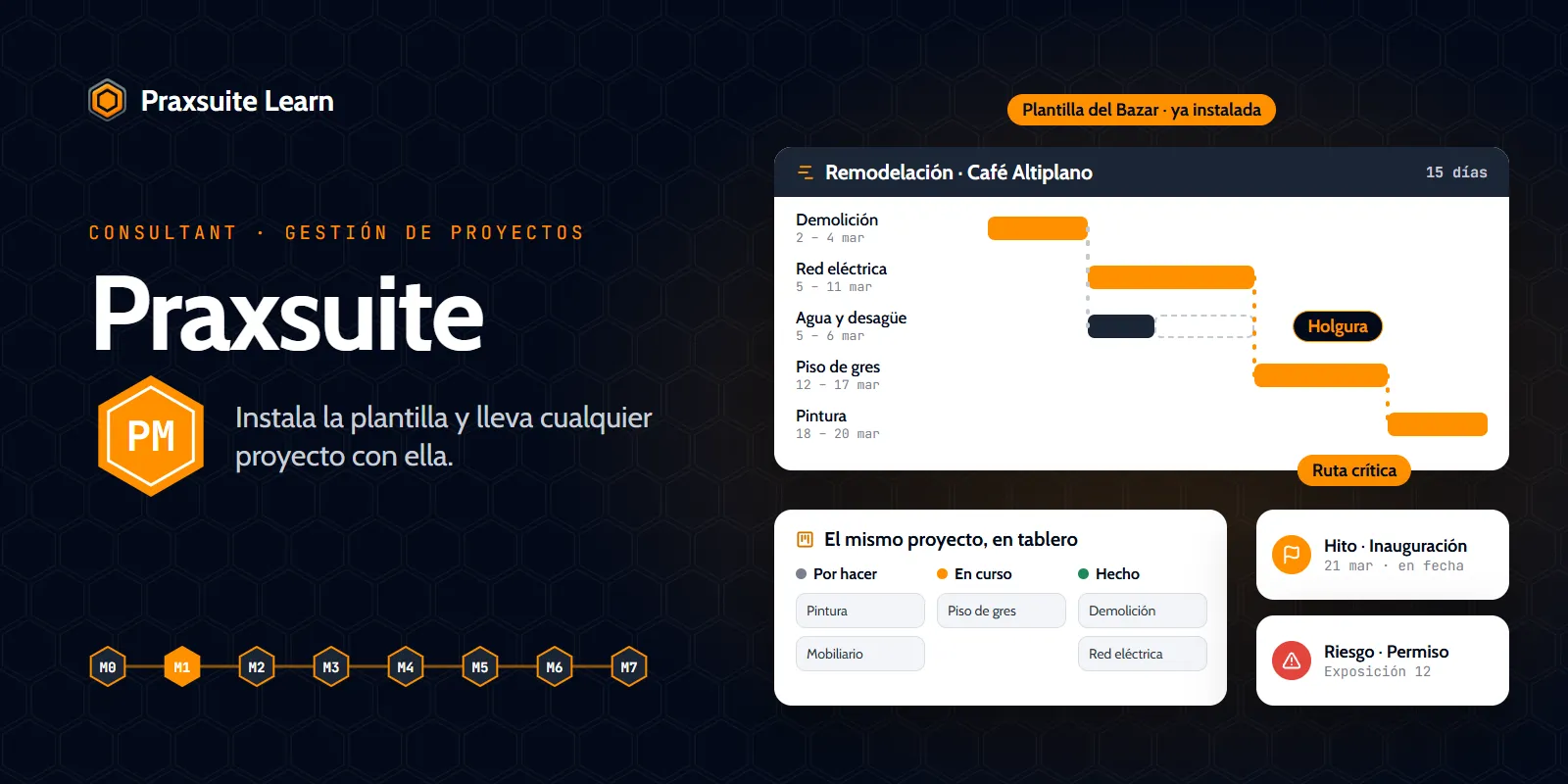
Praxsuite for Project Management
Install the Project Management template and run any project with it.
Certificate
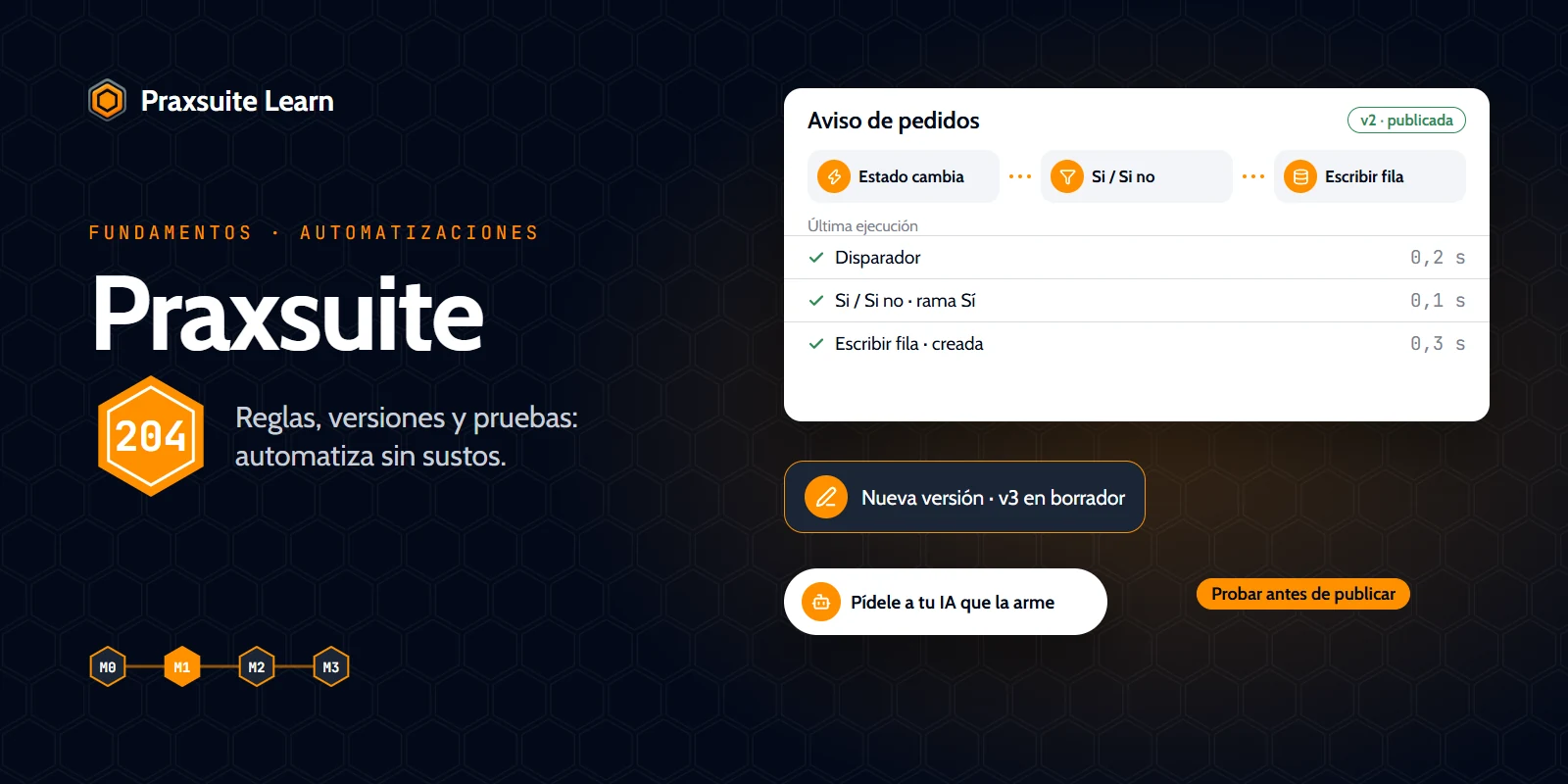
Praxsuite 204 — Automations
When to use a notification rule or an automation, and how to build, version and test one and ask your AI to draft it.
Certificate
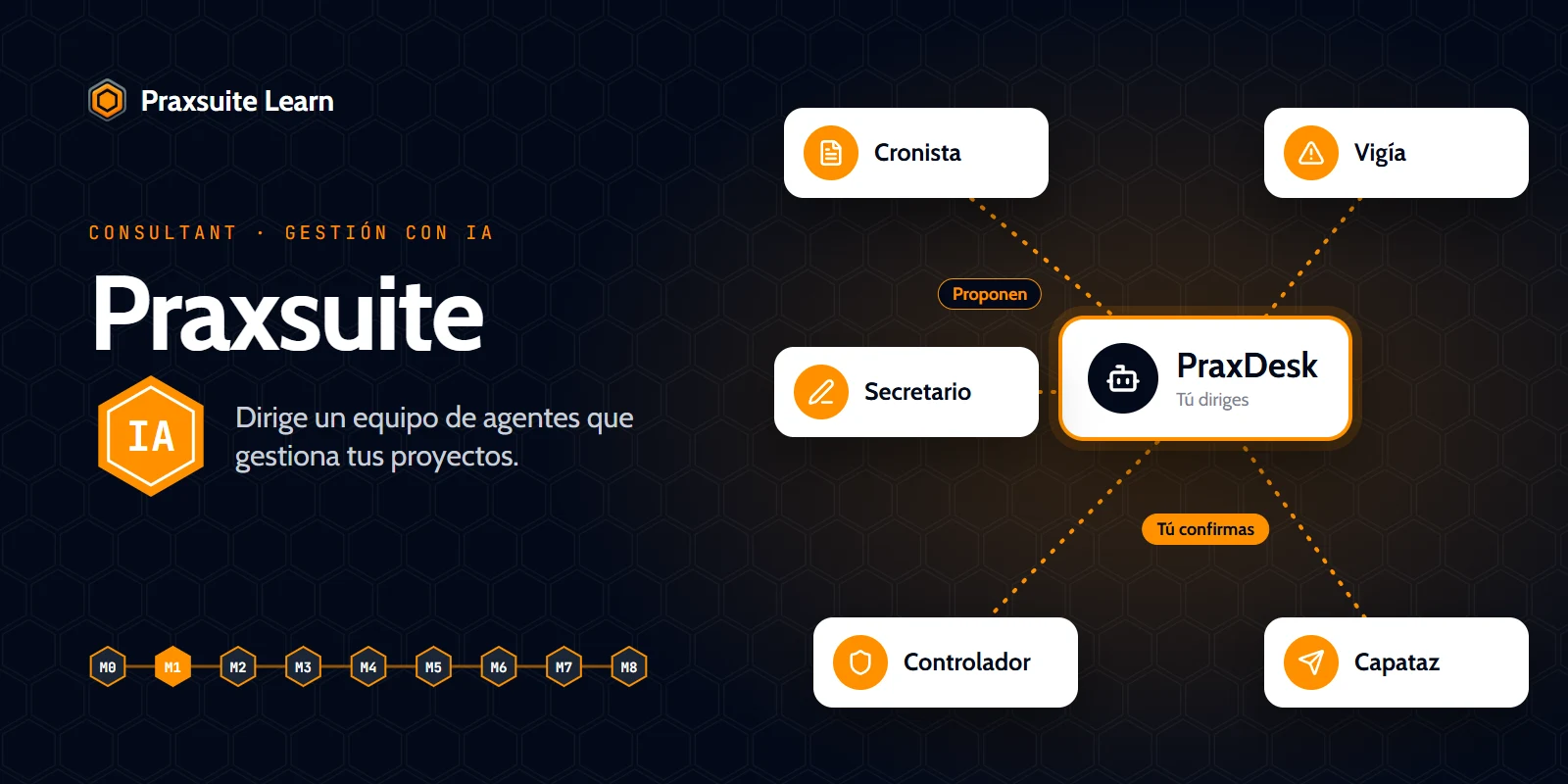
Praxsuite for Project Management with AI
Stop doing project management by hand: build and direct a team of agents on your project template, from PraxDesk.
Certificate
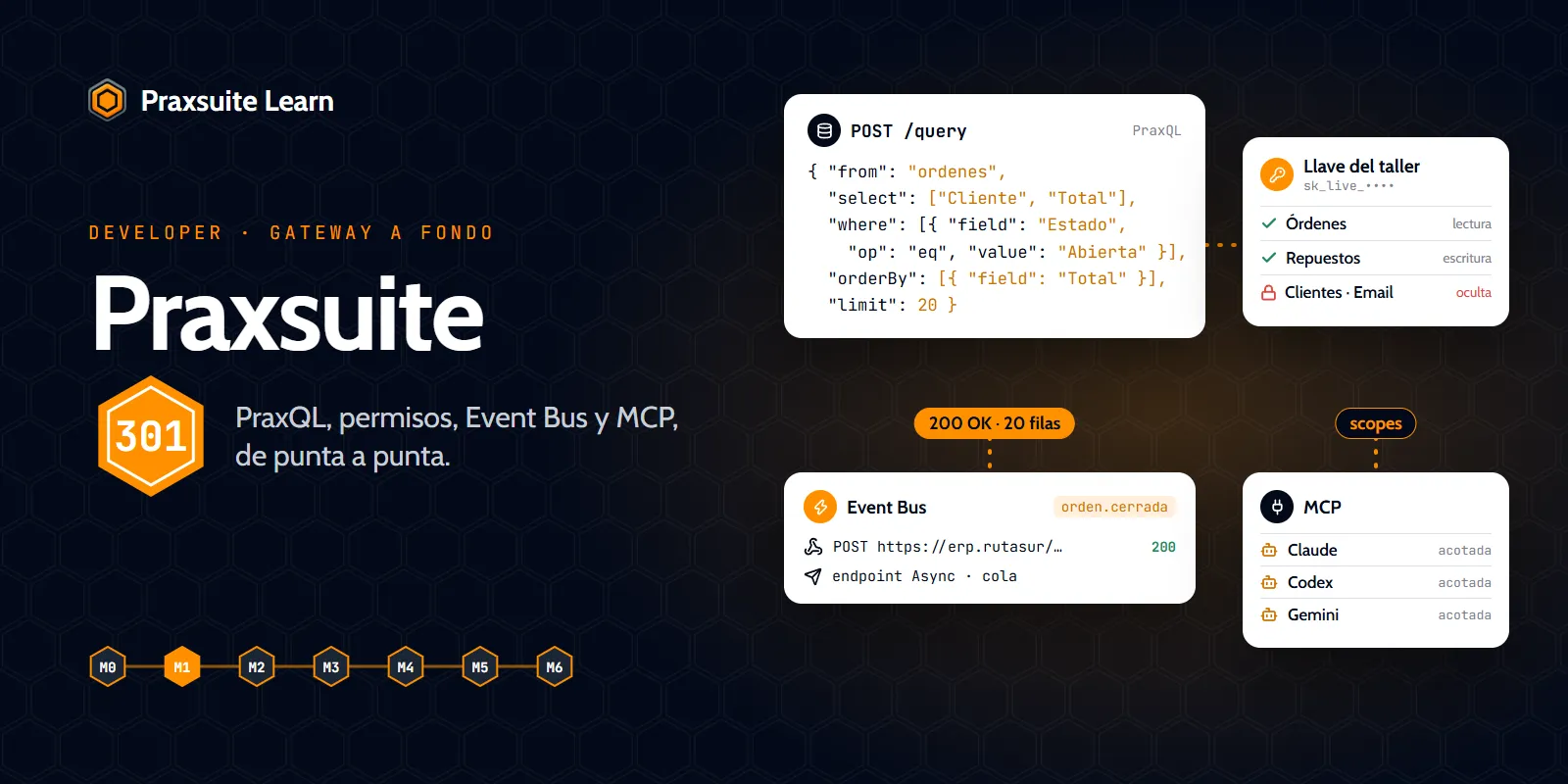
Praxsuite 301 — The Gateway in depth
Full PraxQL, credentials and permissions end to end, end users, endpoints, webhooks and the Event Bus, and hands-on MCP with Claude, Codex and Gemini.
Certificate
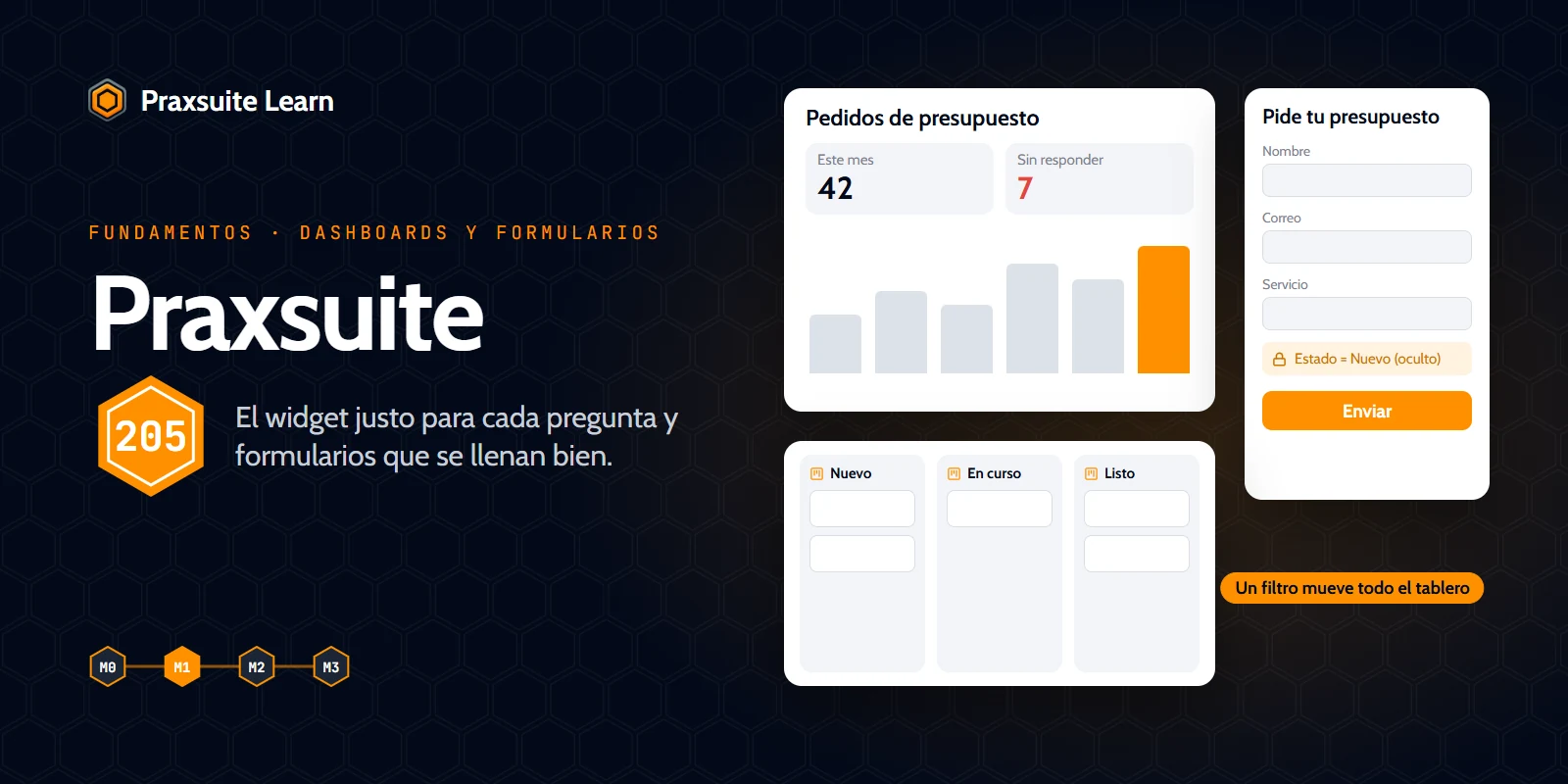
Praxsuite 205 — Dashboards and forms
Pick the right widget for the question, build figures and trends, share a dashboard and improve a form with AI help.
Certificate
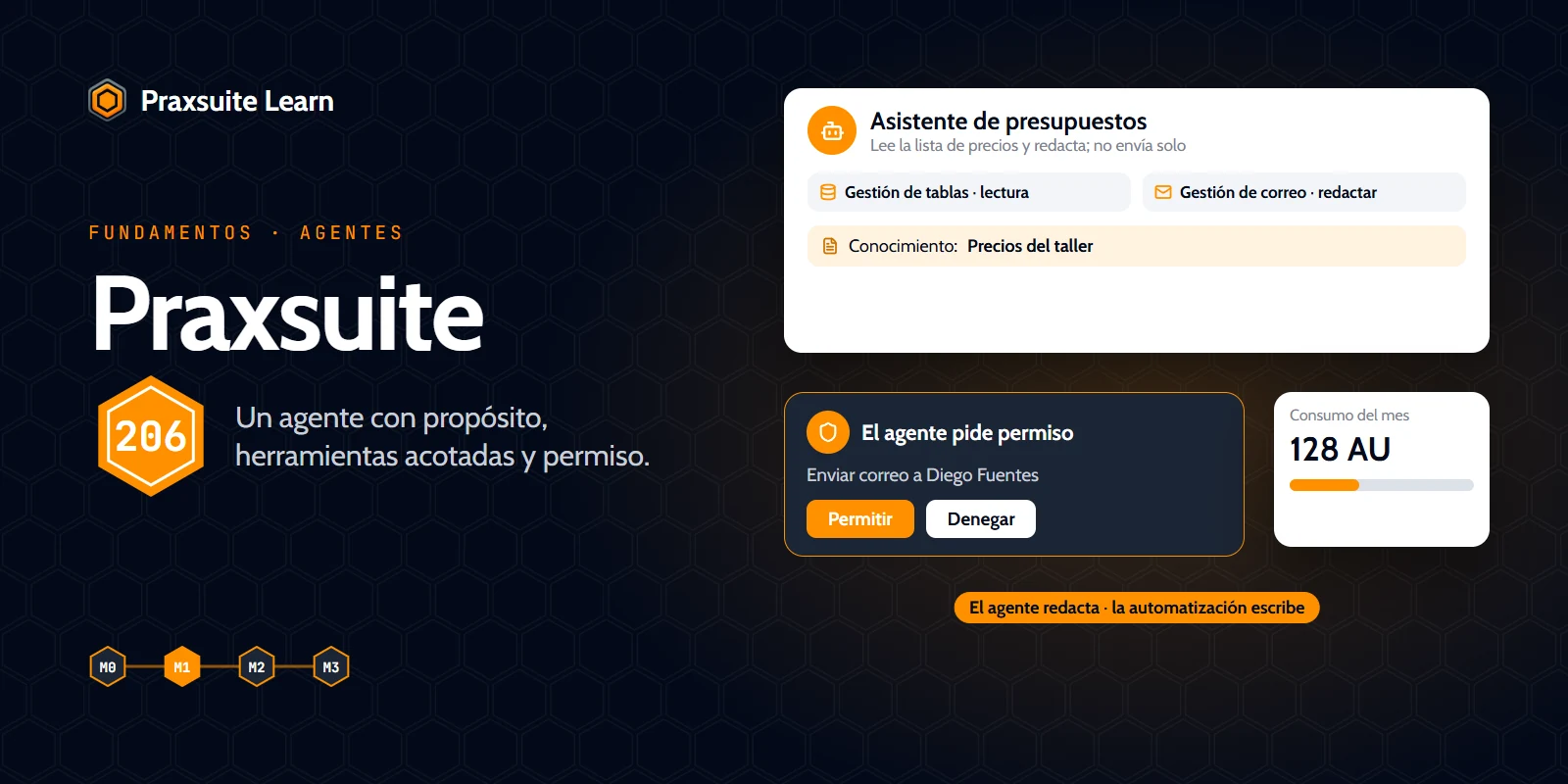
Praxsuite 206 — AI agents
What decides what an agent can do, how to create it, give it tools and knowledge, test it and use it inside an automation.
Certificate
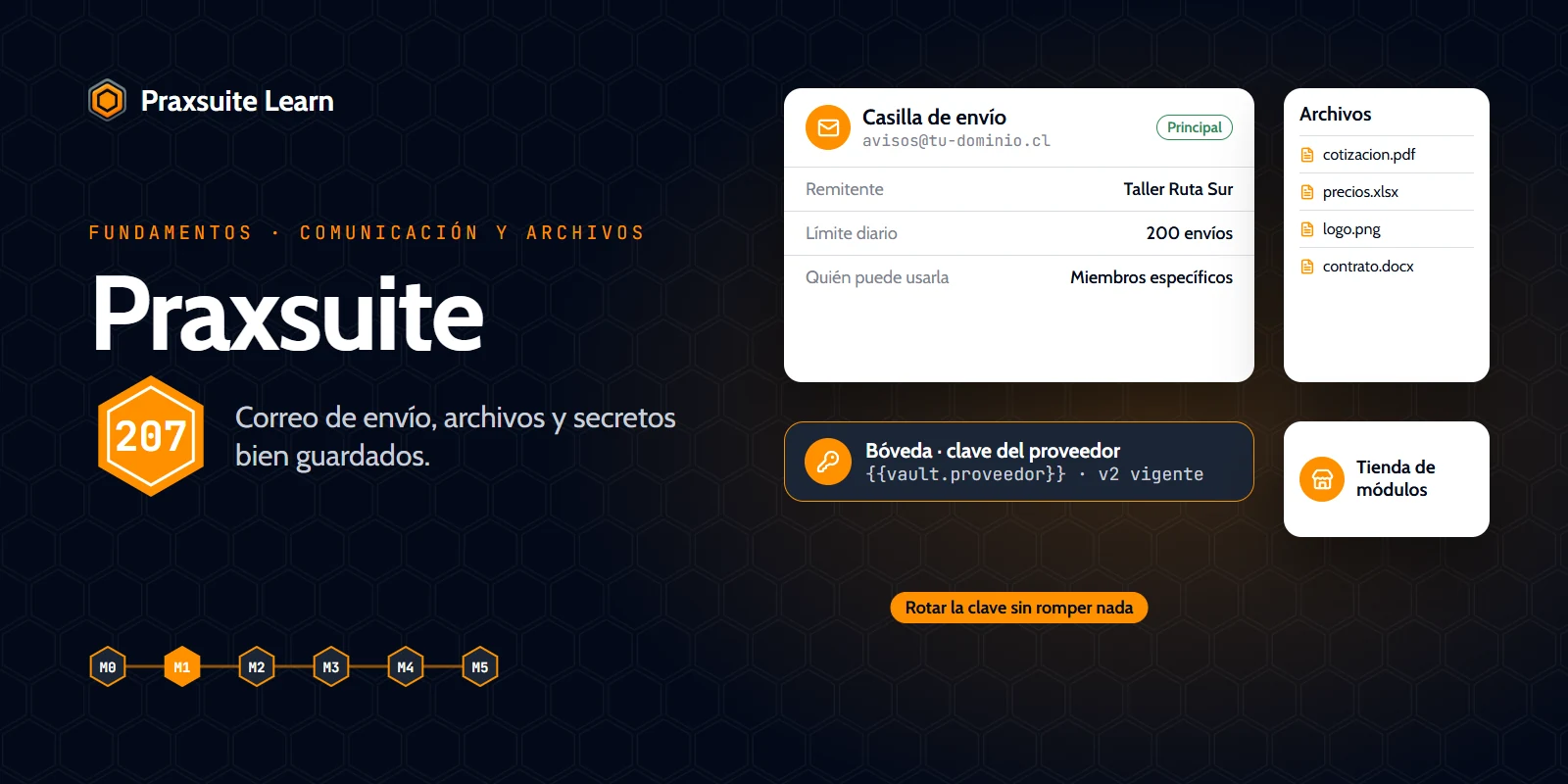
Praxsuite 207 — Communication and files
Your workspace's outgoing email, files, using the Vault of secrets and the module store.
Certificate
Praxsuite for Scheduling
Your calendar where you already work: a booking link with your calendar, Teams, your team, automations and your own page.
Certificate
In production
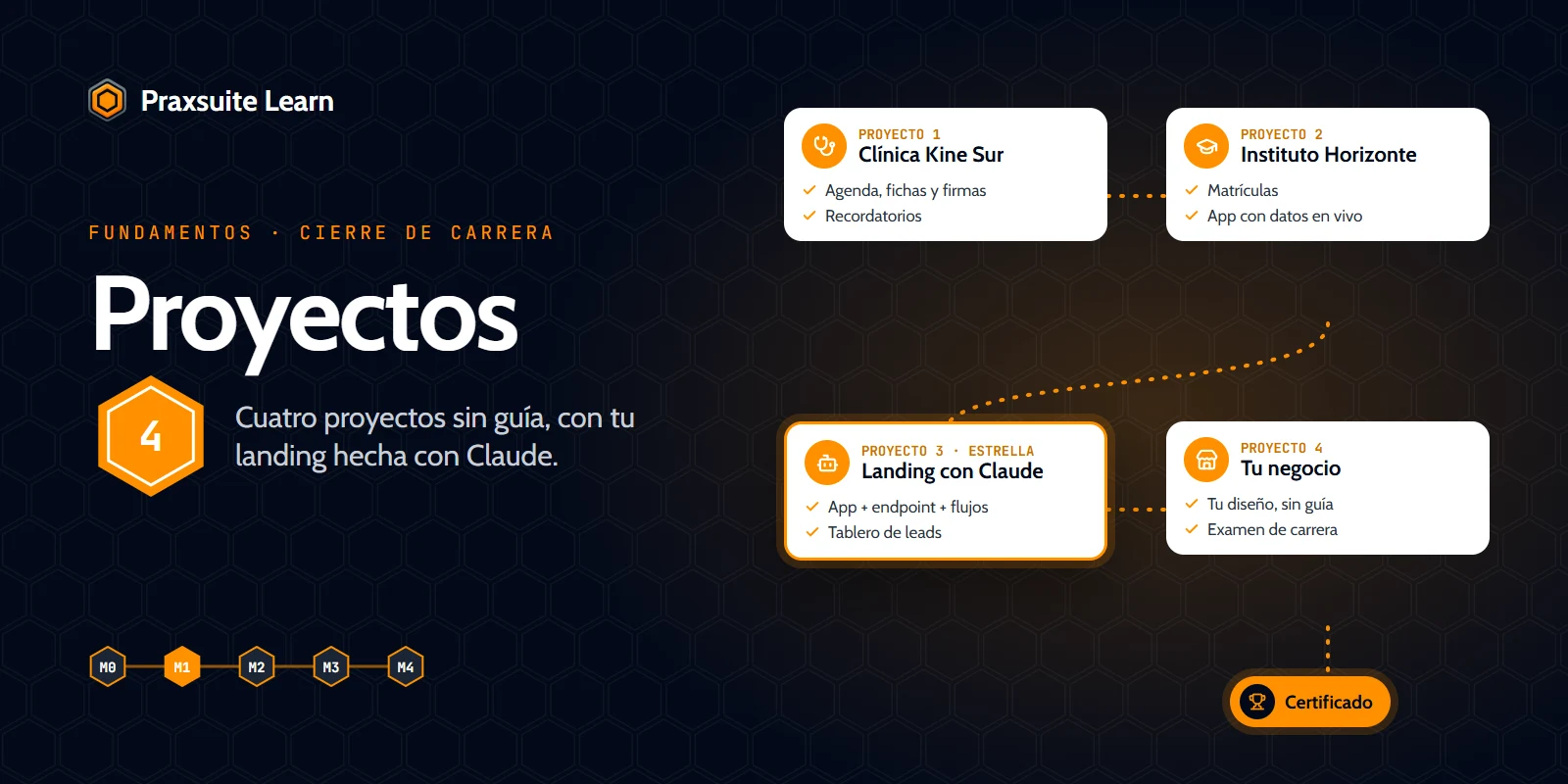 Coming soon
Practice projects — Fundamentals
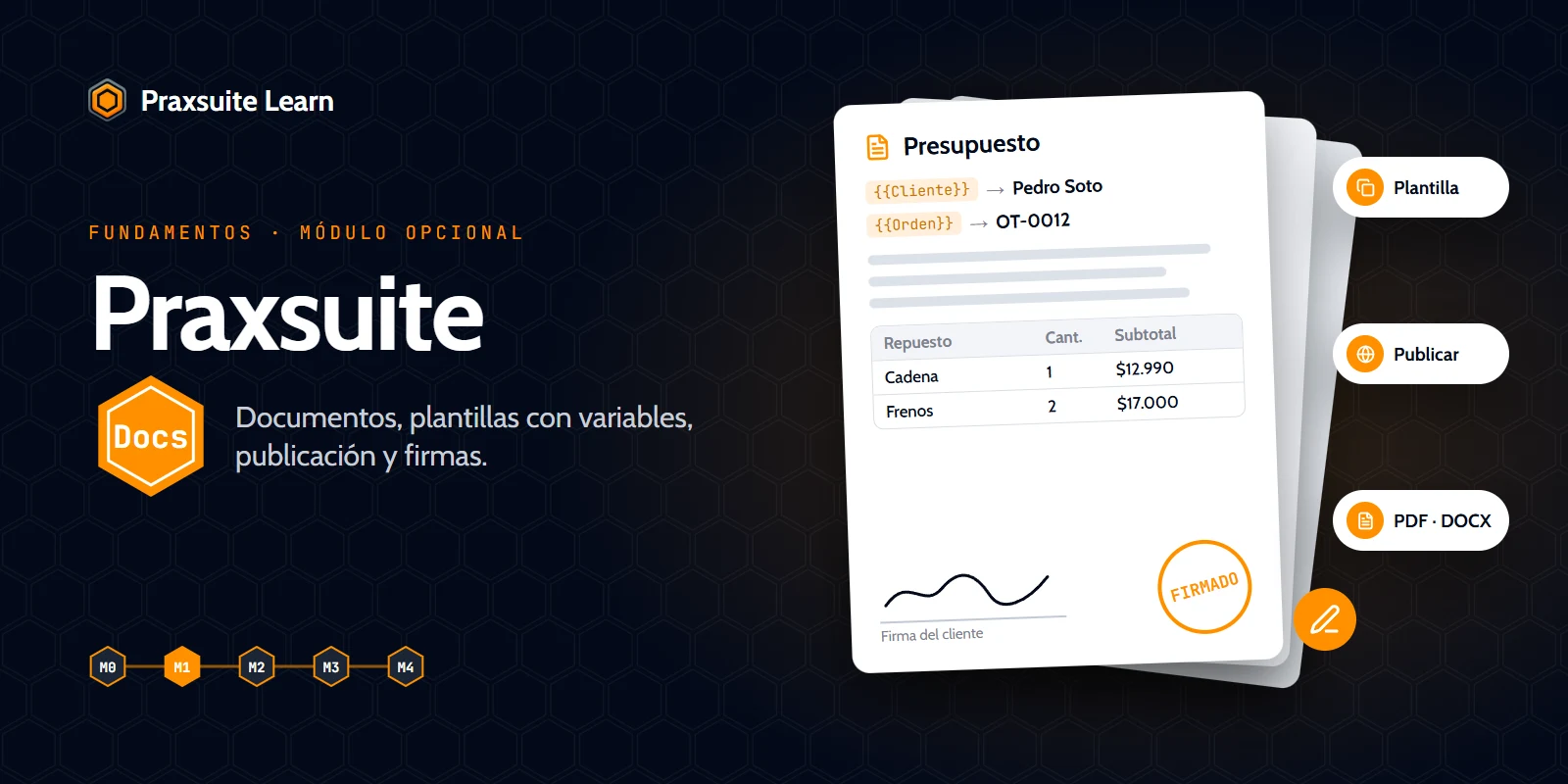 Coming soon
Docs Fundamentals
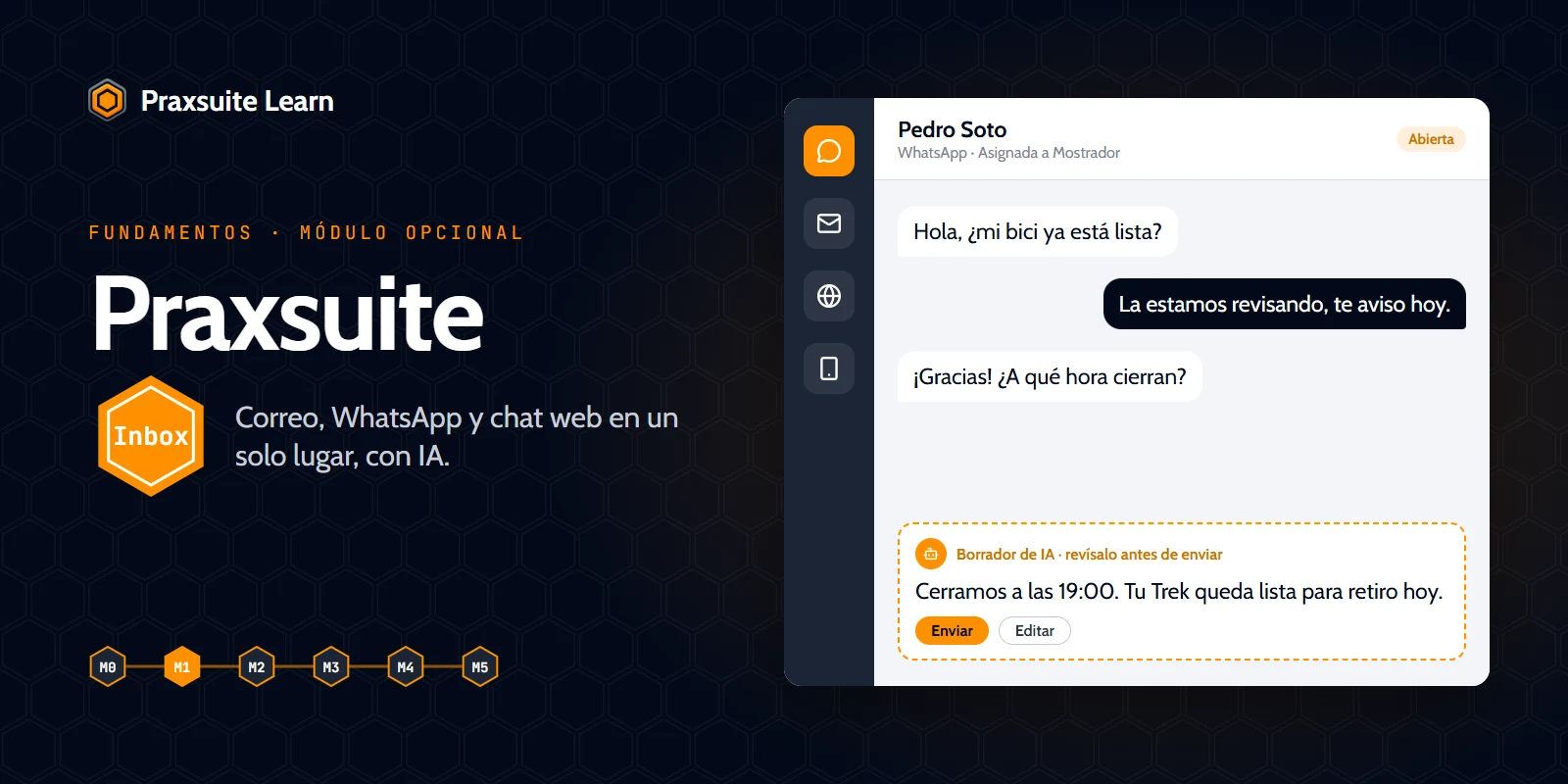 Coming soon
Inbox Fundamentals
Course videos are in Spanish. The platform and the documentation are available in English and Spanish.
Browse all courses →CAREERS
A path from your first table to AI agents
Start with Fundamentals, then specialize in code, automation or consulting. Architect brings all three together.
Start here
Praxsuite Fundamentals
The starting point, 100% free: build your first work system without writing code.
Specialize
Praxsuite Developer
Build on Praxsuite with code: API Gateway, PraxQL, SDKs, endpoints and Prax Apps.
Praxsuite AI Engineer
Automate end to end: automations, AI agents, MCP, Event Bus and integrations.
Praxsuite Consultant
Design and implement Praxsuite solutions for clients.
The summit
Praxsuite Architect
The summit: one technical and one business career to design complete systems.
CERTIFICATION
Get certified when you are ready
Finish a course and its final exam earns you a certificate and badge with a unique code. Anyone can check it on a public page, so clients and employers can trust what you can do.
- A final exam per course
- Public link, no sign-in
- Add it to LinkedIn
Start free with Praxsuite 101 and build your first system today.
Create your account and take the first step: tables, forms, dashboards and automations in your own workspace.
Questions before you start
Is Praxsuite Learn free?
Yes, to start. Praxsuite 101 is open to everyone and the Fundamentals career is free with an account. The Developer, AI Engineer, Consultant and Architect careers need a Praxsuite plan.
Do I need to know how to code?
No. Fundamentals is no-code and built for people who have never written code: you build a work system with tables, forms, dashboards and automations. The Developer career is where code begins.
What can I build with what I learn?
Databases, forms, dashboards, process automations, apps for your business and AI agents that work with your own data, all on your own Praxsuite workspace.
In what language are the courses?
The course videos are in Spanish today. The platform, the lesson notes and the documentation are available in English and Spanish.
How does a certificate work?
Pass the tests of a course, then its final exam. Learn issues a PDF certificate and a badge with a unique code. Anyone can check the code at learn.praxsuite.com/verify without signing in.
What do I practice on?
On your own Praxsuite workspace. Every course asks you to do the work yourself, not only to watch it.
Which career should I choose first?
Fundamentals. It is the base of the other careers: Developer, AI Engineer and Consultant all require it, and Architect requires all three.