
Deleting Columns and Rows in a Table
Camila Escobar · June 17, 2026
Learn how to delete columns and rows in Praxsuite tables, understand the difference between structural and data deletion, and know when columns can be recovered and when rows are permanently removed.
Deleting data is an important part of maintaining clean and accurate Tables. In Praxsuite, columns and rows behave differently when deleted, and it is essential to understand this distinction before performing destructive actions.
This section explains how deletion works and what can — and cannot — be recovered.
Deleting Columns
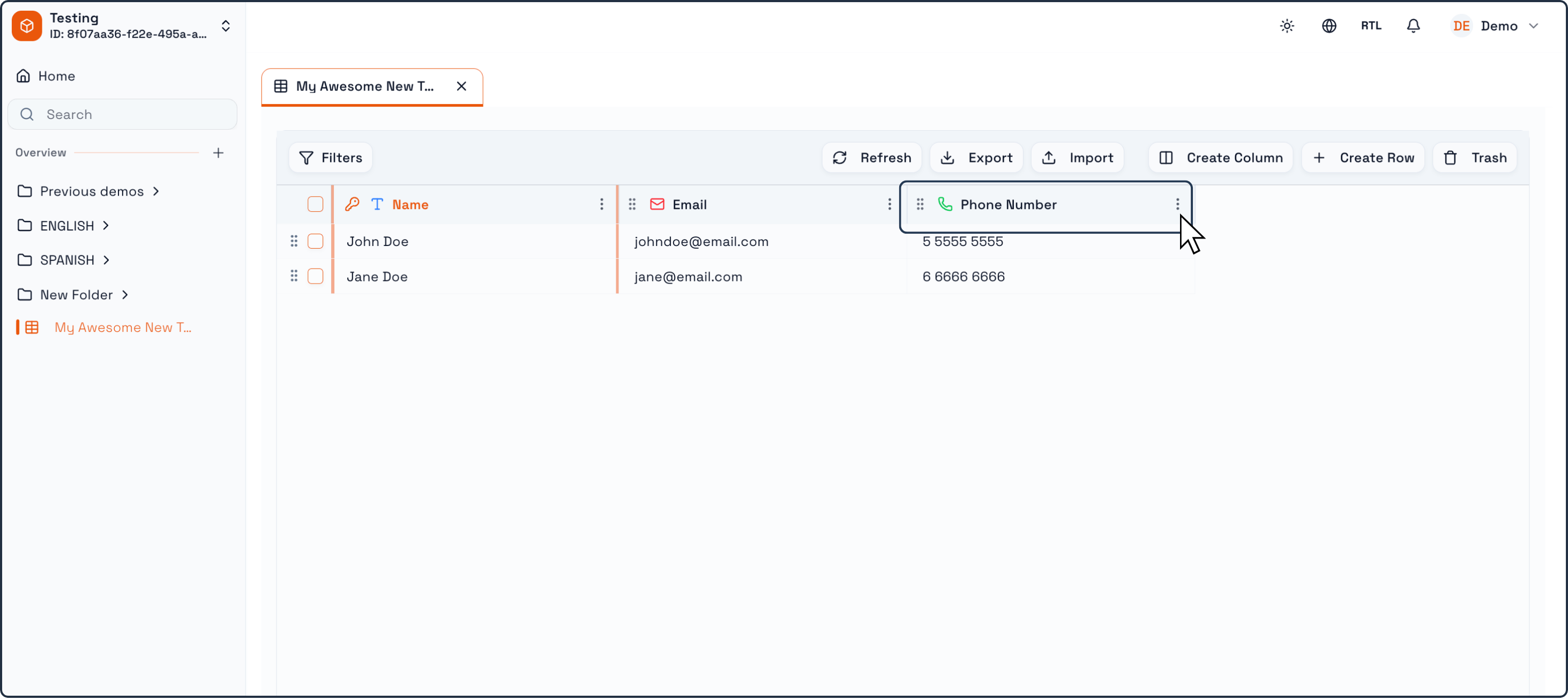
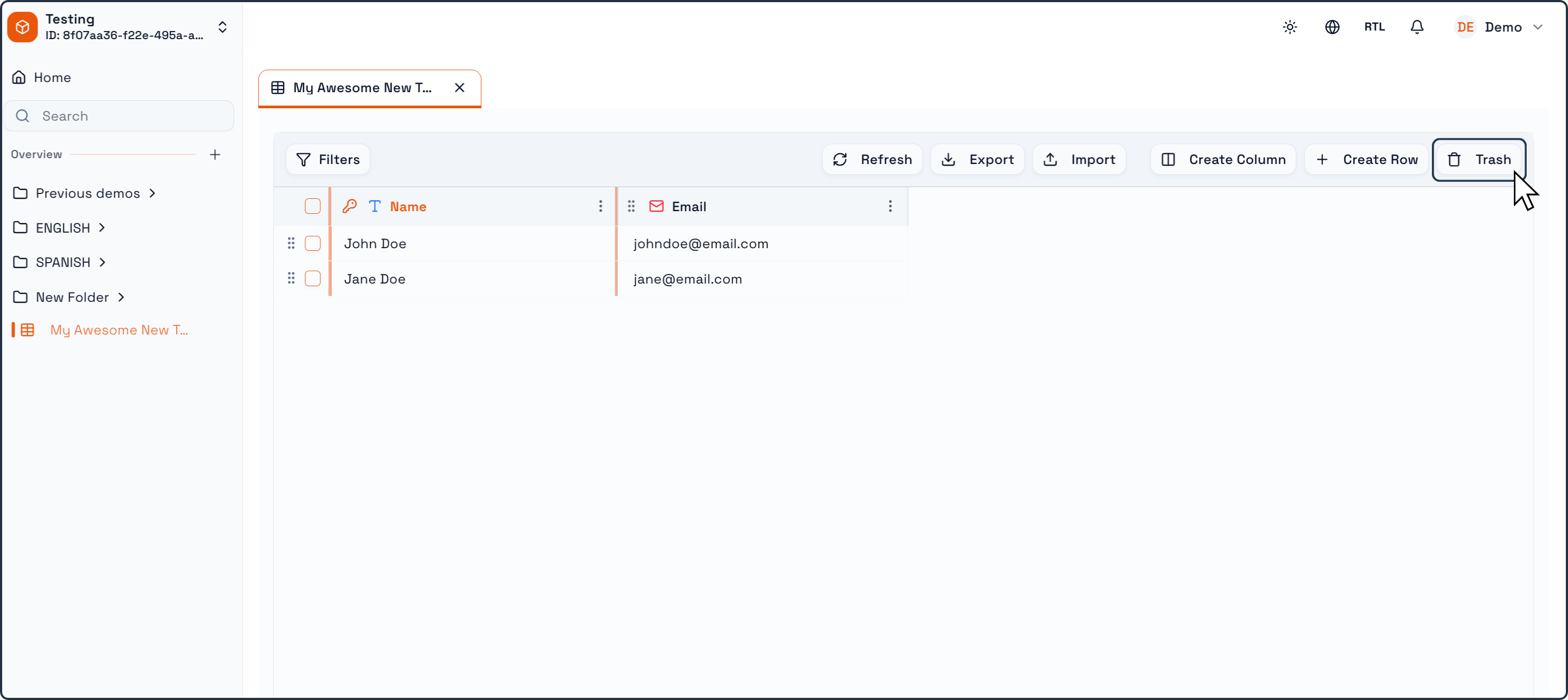
Open the Table where the column exists.
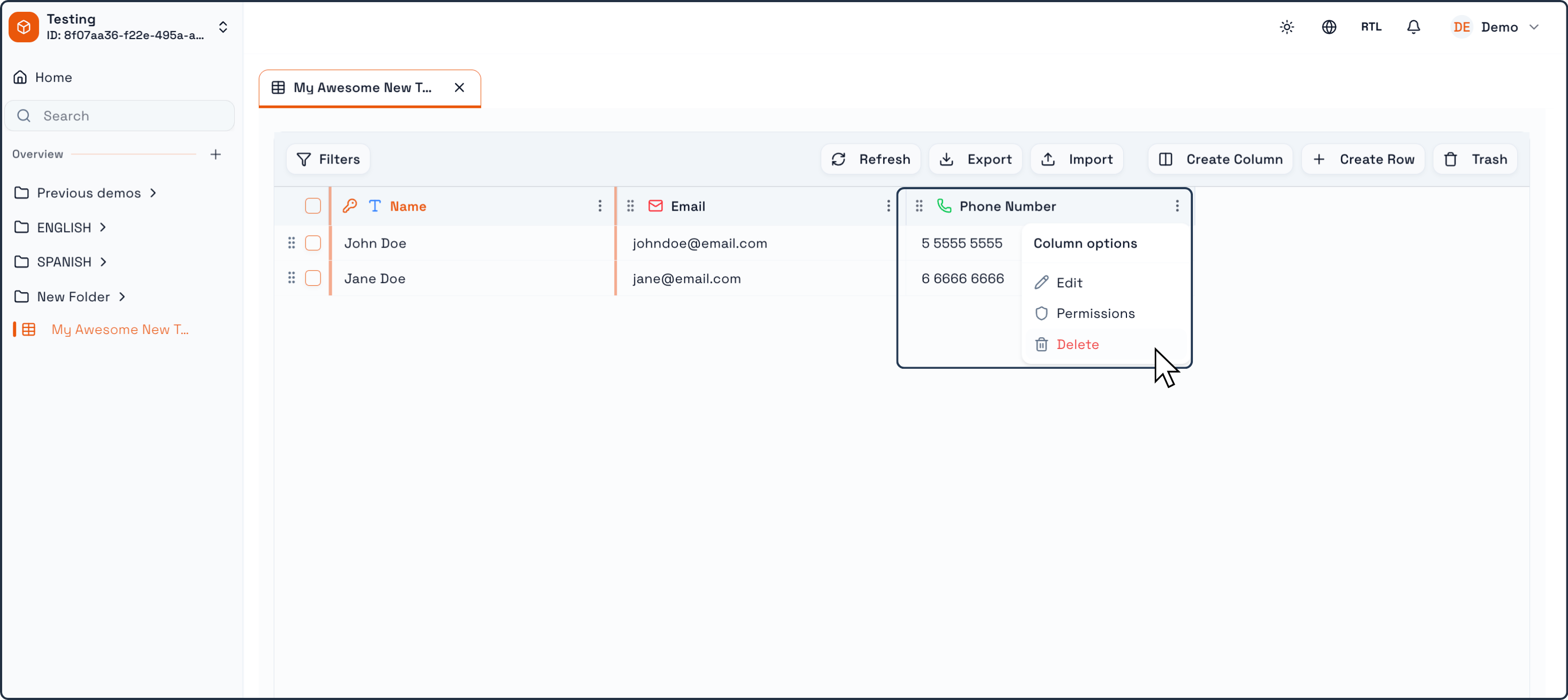
In the column header, open the Column options menu (the three dots).
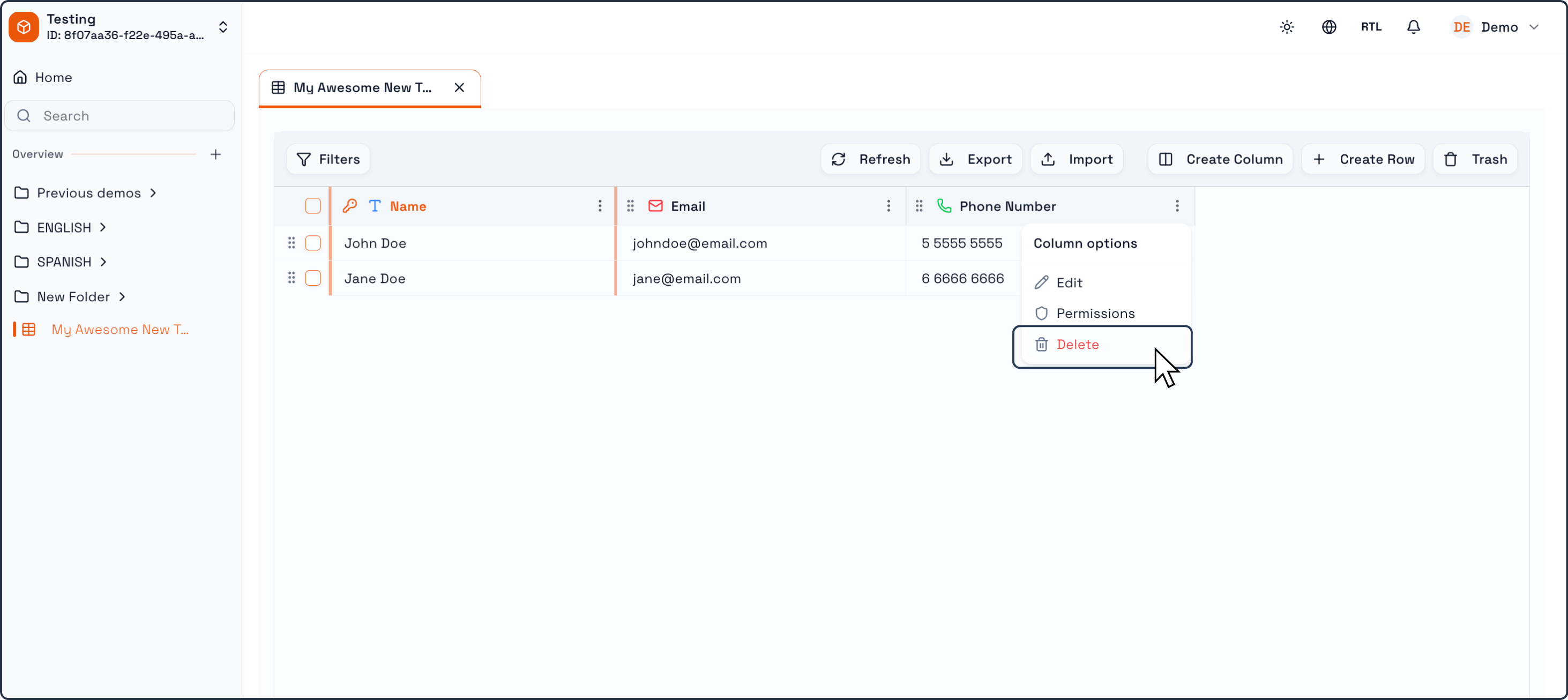
Click Delete.
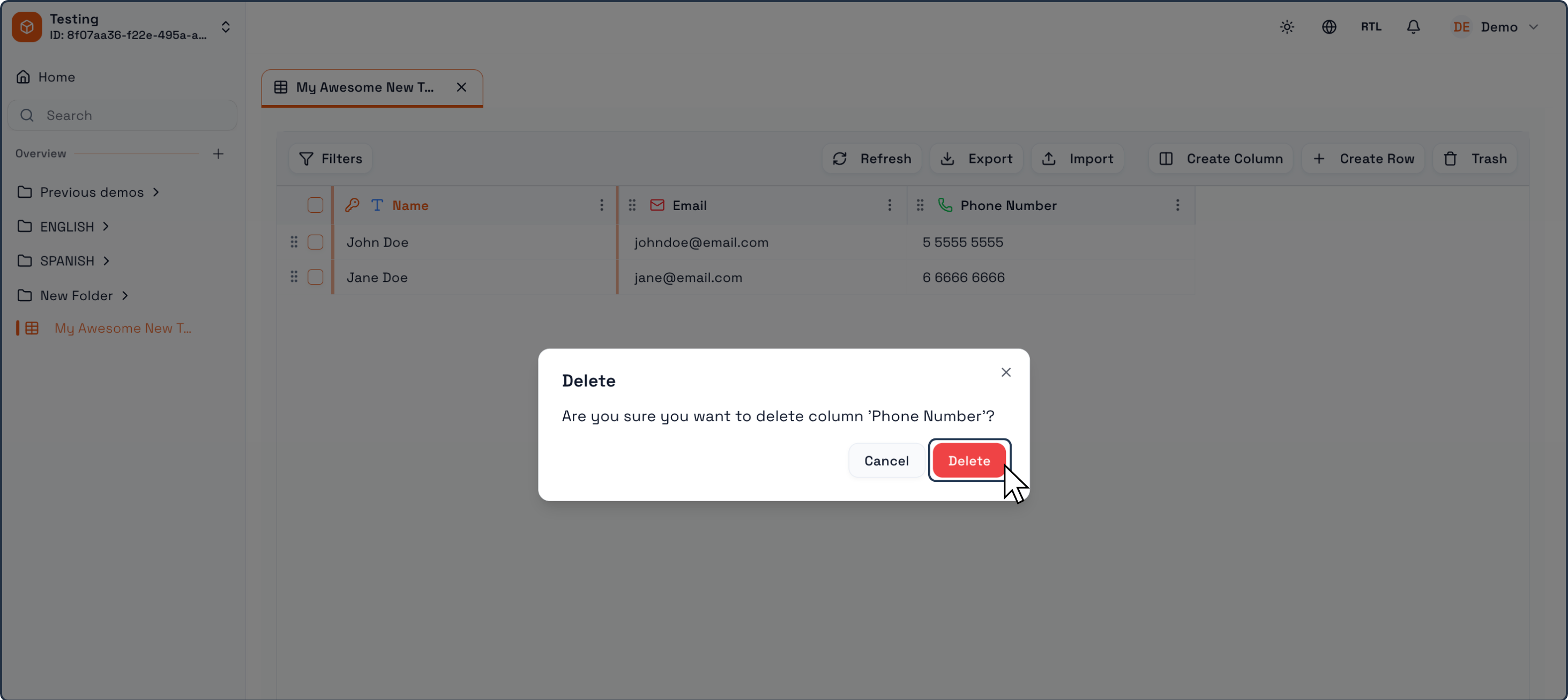
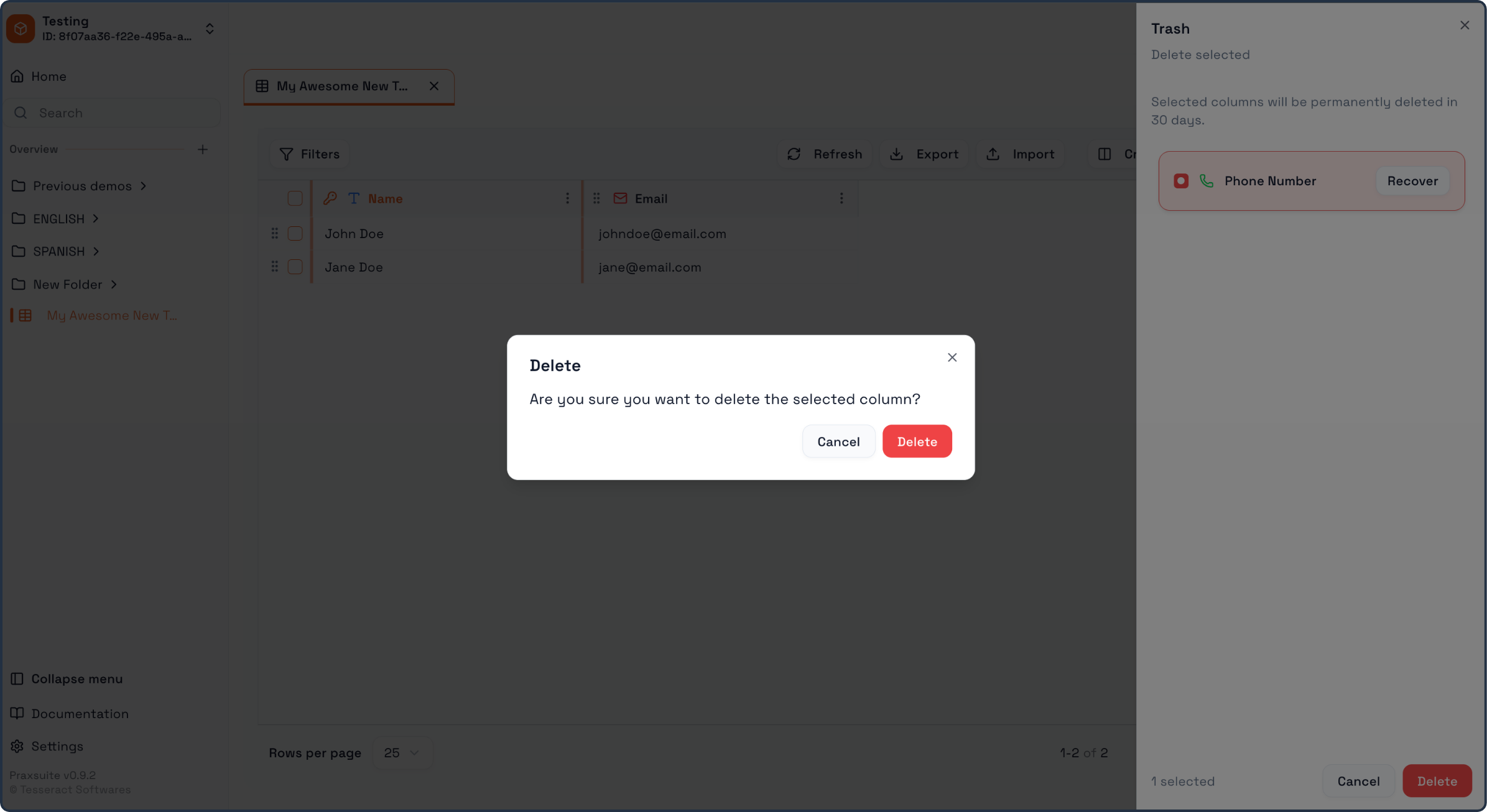
Confirm the action in the confirmation window by clicking Delete.
After confirmation, the column disappears from the Table and is moved to Trash.
Recovering a deleted column
Praxsuite allows you to restore deleted columns from Trash:
Click Trash in the Table toolbar.
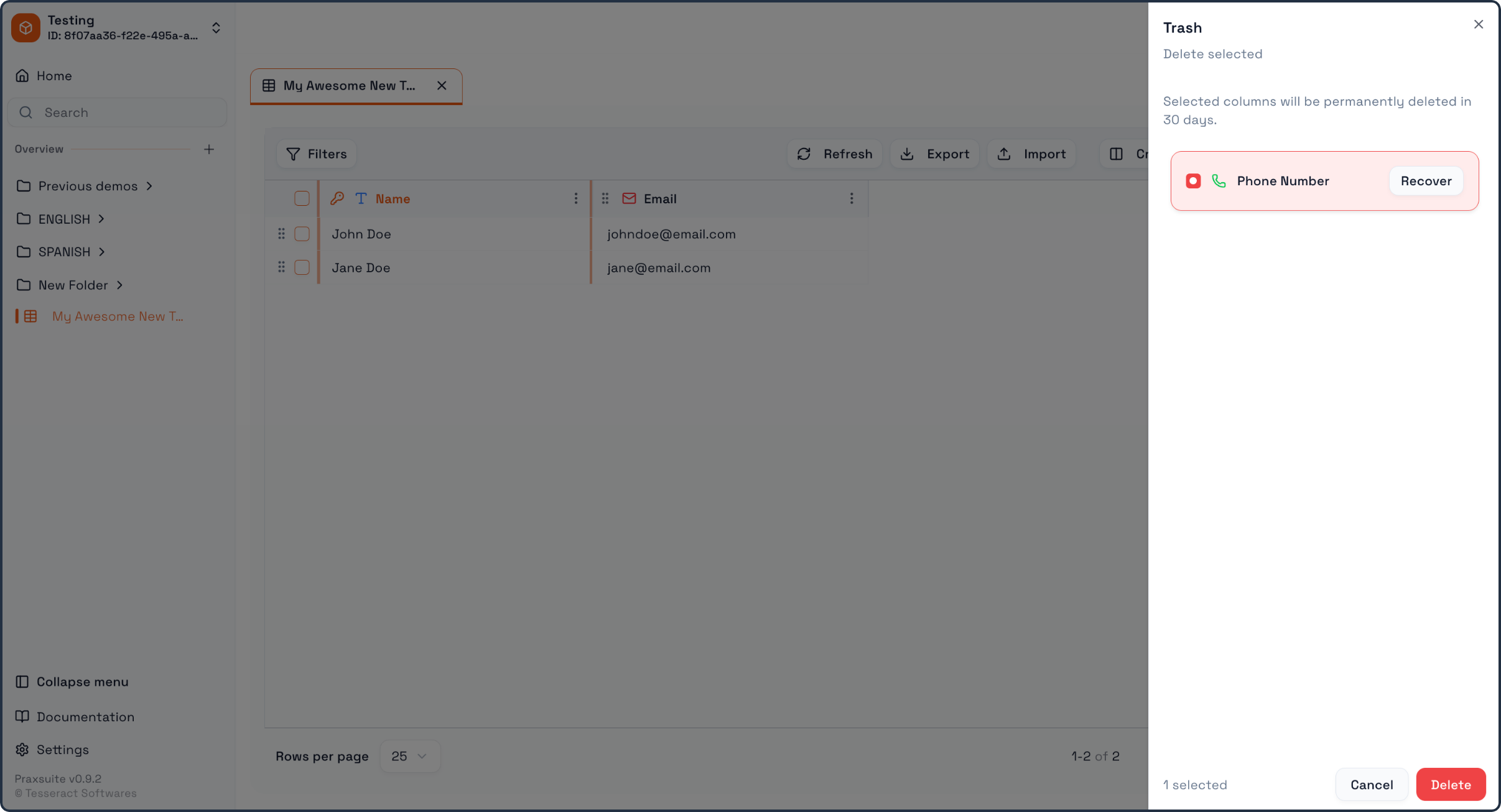
A Trash panel opens showing deleted columns and a Recover button.
Click Recover next to the column you want to restore.
Recovered columns return to the Table and become available again for records, views, and any connected logic that depends on that field.
Deleting Rows
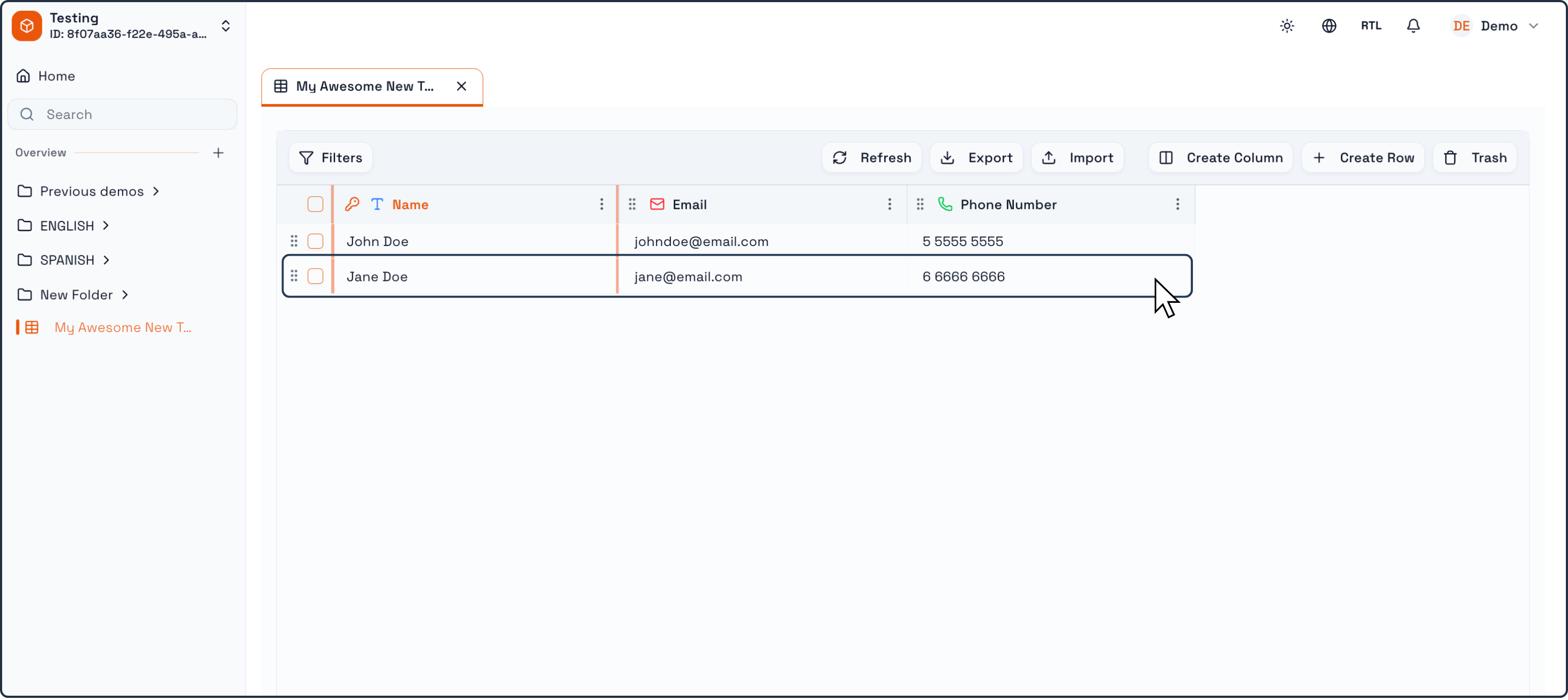
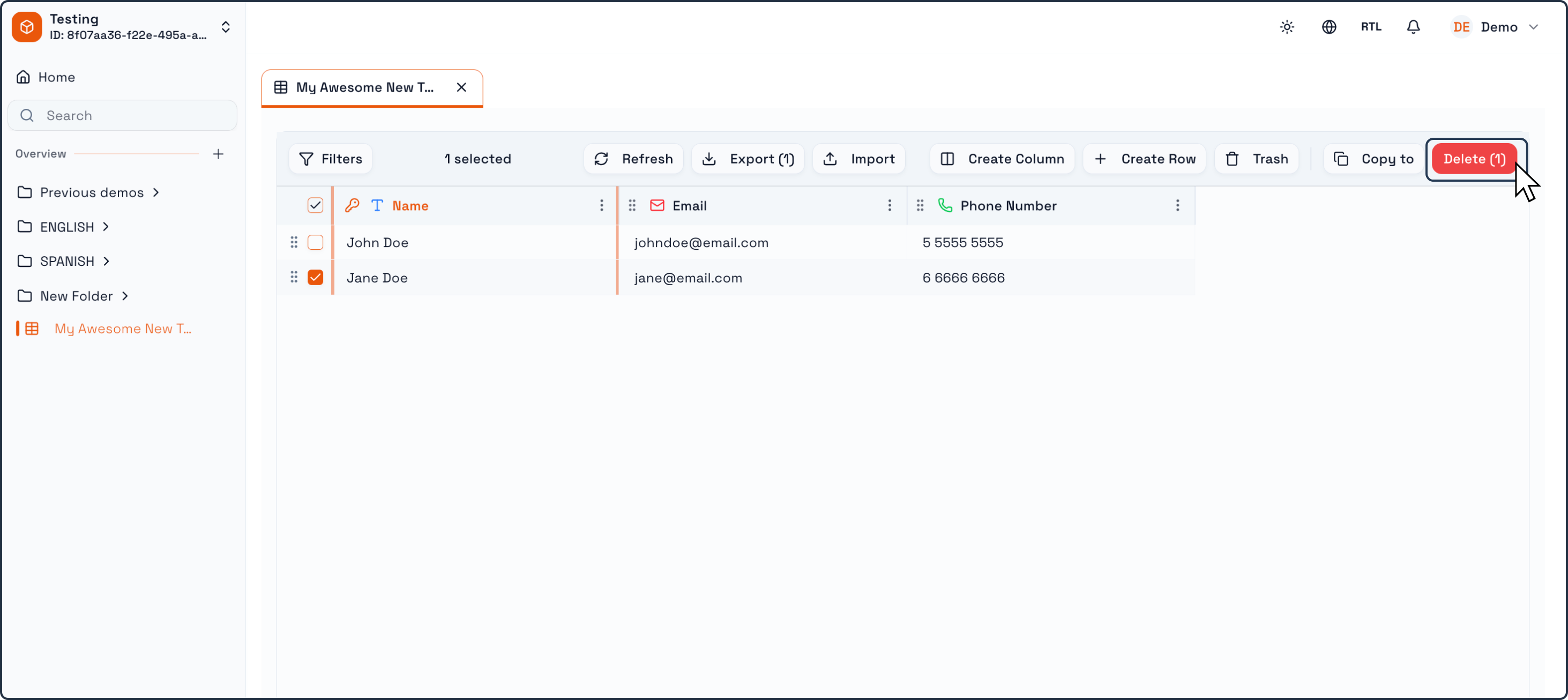
Deleting a row removes a specific record from the Table.
When a row is deleted:
The record is removed immediately.
All data contained in that row is permanently deleted.
The row cannot be recovered.
Row deletion is final. Once confirmed, the record no longer exists in the system.
Key difference: columns vs rows
The most important distinction to remember is:
Columns are recoverable after deletion (via Trash).
Rows are not recoverable once deleted.
Columns represent structure. Praxsuite allows recovery because structural changes often require iteration and refinement.
Rows represent data. Once a record is deleted, it is treated as permanently removed to preserve data integrity and prevent ambiguity.
Best practices before deleting
Before deleting anything:
Double-check whether you are deleting a column or a row.
Consider whether the data might still be needed for reporting, auditing, or historical reference.
Use column deletion when cleaning or redesigning structure.
Be especially careful when deleting rows, as this action cannot be undone.
On this page
Deleting ColumnsRecovering a deleted columnDeleting RowsKey difference: columns vs rowsBest practices before deleting